

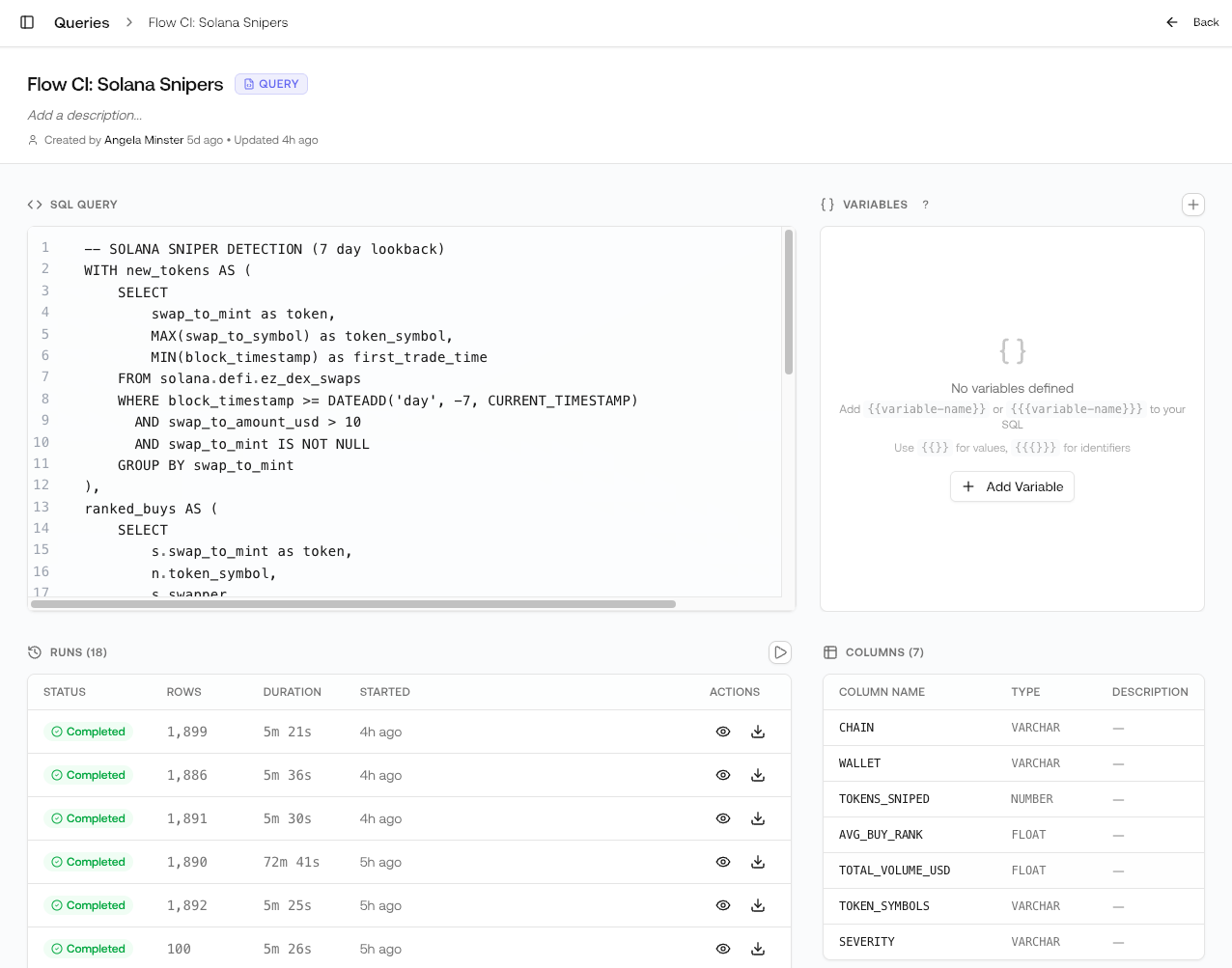
Creating Queries
There are two ways to create queries:Save from Chat
Ask Chat a question, and when the query runs successfully, click Save Query.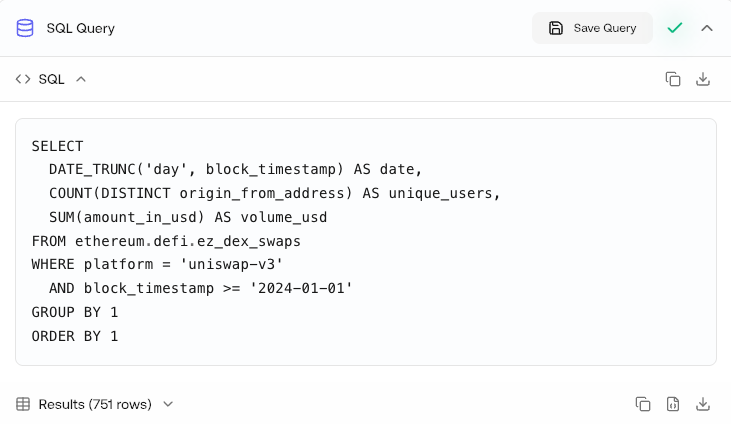
Create in SQL Editor
Write queries directly in the editor with full control.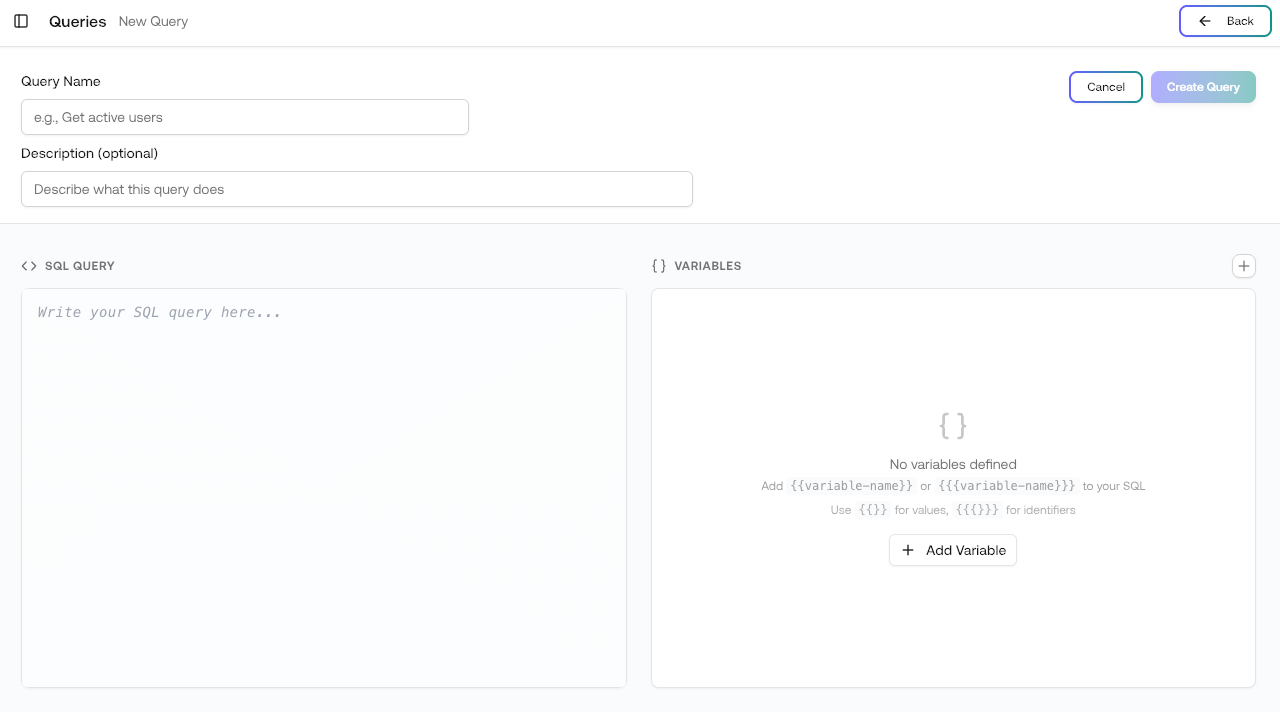
Navigate to Queries
Go to Queries and click New Query.
Using Variables
Variables make your queries reusable by letting you change values without editing the SQL. Add variables in the Variables panel on the right side of the editor.Variable Syntax
| Syntax | Use | Example |
|---|---|---|
{{variable}} | For values (strings, numbers, dates) | WHERE address = '{{wallet_address}}' |
{{{variable}}} | For identifiers (table names, columns) | SELECT * FROM {{{table_name}}} |
Example with Variables
wallet_address— The wallet to analyzedays_back— Number of days to look back
Writing Queries
Table References
Use the full table path:{network}.{schema}.{table}
Recommended Tables
Start withez_* (curated) tables for most analyses:
| Network | Common Tables |
|---|---|
| Ethereum | ethereum.defi.ez_dex_swaps, ethereum.core.ez_token_transfers |
| Solana | solana.defi.ez_dex_swaps, solana.nft.ez_nft_sales |
| Arbitrum | arbitrum.defi.ez_dex_swaps, arbitrum.core.ez_native_transfers |
Query Optimization
Filter by date
Filter by date
Always include date filters to limit scan size:
Use specific columns
Use specific columns
Select only needed columns instead of
SELECT *:Limit results
Limit results
Add
LIMIT during exploration:Use aggregated tables
Use aggregated tables
For high-level metrics, use pre-aggregated tables:
Example Queries
DEX Volume by Protocol
Top Token Holders
Cross-Chain Bridge Activity
Next Steps
Export Results
Download query results as CSV or JSON
Data Explorer
Browse available tables and schemas
Schema Documentation
Complete table references
Queries
Manage your saved queries